Shop by Category

Chào mừng đến với Martfury - Cửa Hàng Mua Sắm Online!
 Tiếng Việt
Th02 02, 2026 / By Grab n Go Admin / in Thương mại điện tử
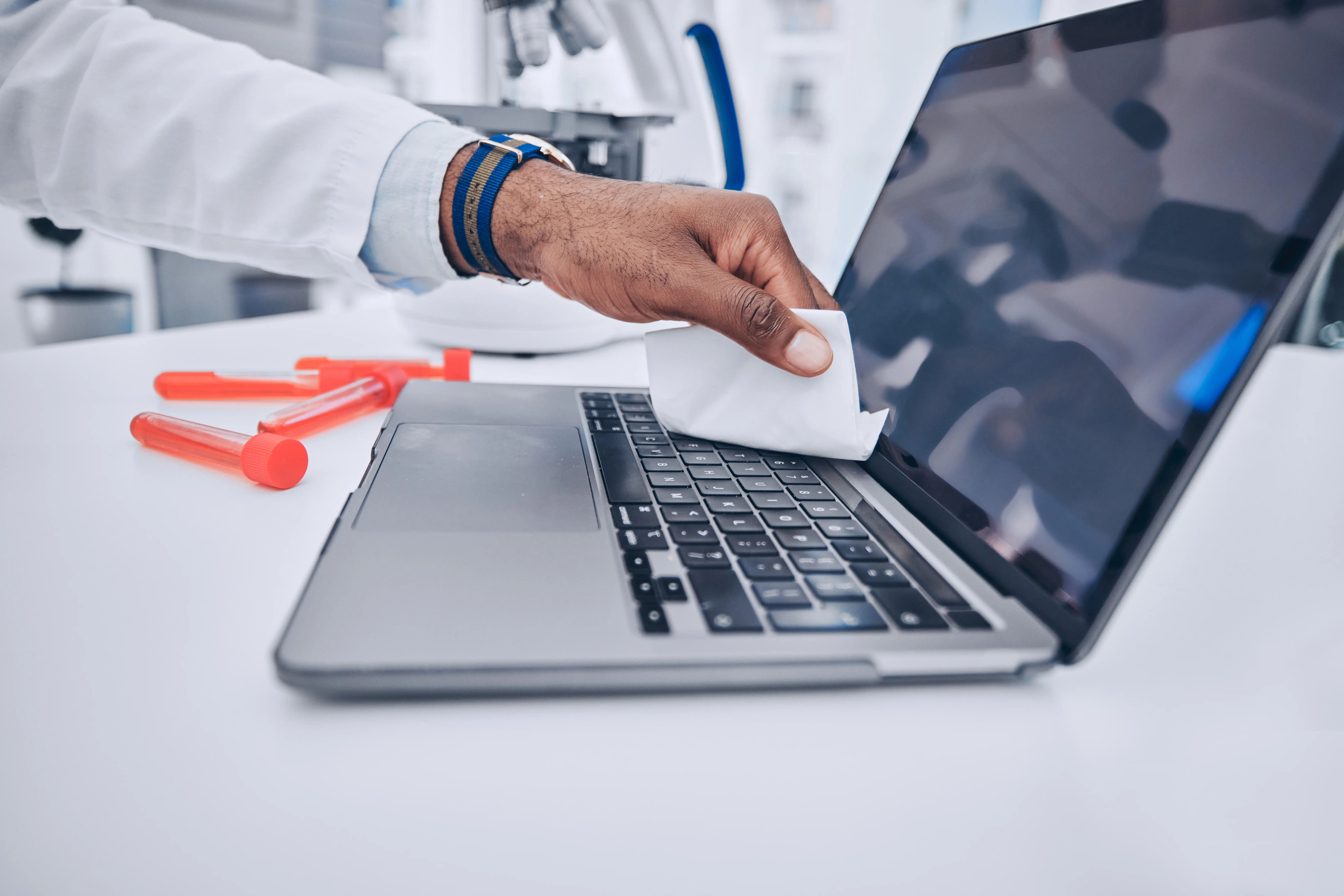
Every laptop carries the potential to be your productivity engine, entertainment hub, and creative studio. Extending its life isn’t just about avoiding mishaps—it’s about understanding how each component interacts and behaves over time. Whether it’s a sleek pre-owned Dell Latitude or a powerful HP ProBook from our collection, maintaining your device properly ensures peak performance. Laptops are compact marvels, but their delicate balance of components means that neglect in small areas can lead to big problems.
Laptop longevity begins with knowing what’s inside. Your processor, RAM, and storage work together to handle your daily tasks. Devices with higher RAM capacity tend to manage multitasking more efficiently, reducing the need for constant system restarts. Dust and debris in cooling vents can drastically reduce efficiency, causing the system to overheat, even if you picked the ideal processor for your workload.
Regular checks on your system specifications help you anticipate when an upgrade might be necessary rather than waiting for lag or crashes to force it. While an Intel i5 might handle general browsing and office applications with ease, i7 processors provide the extra breathing room for creative or technical workloads.
[Image of cleaning laptop vents with compressed air]
Laptop batteries are sensitive to heat and constant full discharges. Maintaining a cycle between 20% and 80% can extend battery life considerably. A common misconception is that leaving it plugged in is harmless—prolonged high charge at high temperature accelerates wear.
[Image of battery health management settings]
Using battery-saving settings wisely can also make a noticeable difference. Lowering screen brightness slightly or adjusting sleep settings prevents unnecessary energy drain, which indirectly prolongs both battery and component health.
Hardware care alone won’t keep your laptop performing. Software clutter, outdated drivers, and unnecessary applications slow down even the most robust systems. Regular updates and cleanup routines are essential.
Scheduling monthly or biweekly maintenance sessions can transform performance. Think of it like a checkup for your device—clearing temp files, repairing disk errors, and refreshing memory can turn a sluggish machine into a responsive one without a single hardware upgrade.
Laptops with SSDs maintain speed over years better than traditional hard drives. SSDs are less prone to mechanical failure and improve boot times, app launches, and file transfers.
Regularly reviewing what’s on your drives also gives you insight into your own computing habits. Large media files, forgotten downloads, and duplicate files silently consume storage. Tackling these keeps your system agile and extends its effective lifespan.
Keyboards, touchpads, and external mice see constant use. Gentle care can prevent failures that disrupt productivity.
External devices such as docking stations or USB hubs should also be inspected occasionally. Dust or oxidation on contacts can interfere with data transfer, slowing down workflow and inadvertently stressing the main system.
Finally, your habits shape your laptop’s lifespan. Avoid exposing it to extreme temperatures, liquids, or unnecessary physical shocks. Let your device rest after intensive work, and always handle it with intention.
Small behavioral tweaks—like closing unused tabs, using software efficiently, or even giving your laptop a 15-minute cool-down after long sessions—can cumulatively make a huge difference. Your laptop is a precision instrument, and daily respect for its limitations pays off in reliability and performance.
Laptops are investments that combine technology, convenience, and portability. By integrating regular maintenance, thoughtful handling, and informed choices, your device can remain reliable for years. Grab’n Go offers laptops that not only perform exceptionally but also reward diligent care with longevity. Choosing the right device today, maintaining it tomorrow, and upgrading thoughtfully over time is the path to an enduring computing experience.
Th09 21, 2026 by Grab n Go Admin
Th09 18, 2026 by Grab n Go Admin