Shop by Category

Chào mừng đến với Martfury - Cửa Hàng Mua Sắm Online!
 Tiếng Việt
Th02 02, 2026 / By Grab n Go Admin / in Thương mại điện tử
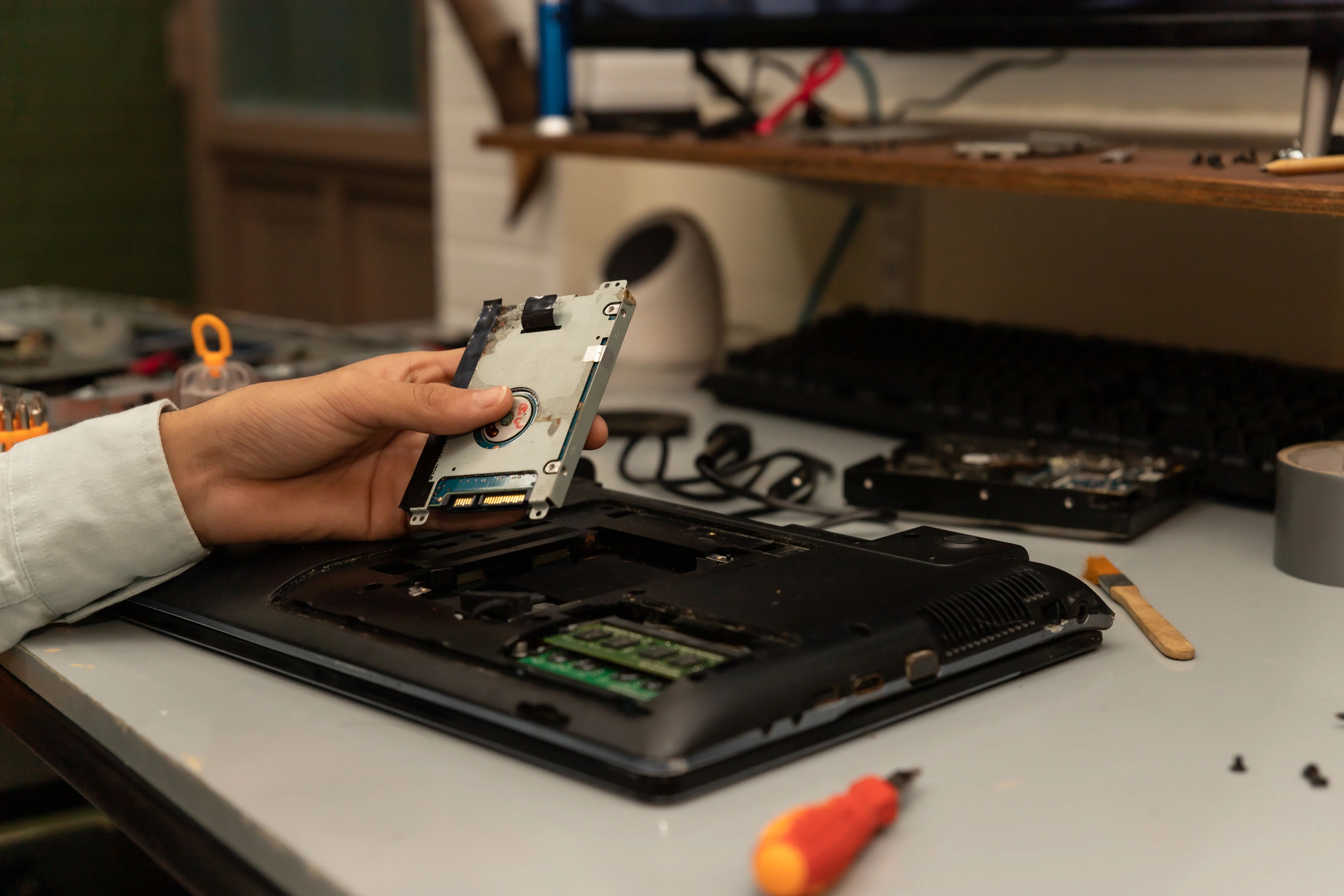
Navigating the world of laptop upgrades can feel like entering a labyrinth of technical specs and compatibility checks. At Grab’n Go, we help tech enthusiasts and everyday users alike understand how to enhance their laptops’ performance without voiding warranties or risking hardware damage. Whether you’re aiming for lightning-fast boot times, smoother multitasking, or simply extending your laptop’s lifespan, upgrading your RAM and SSD can breathe new life into a machine that once struggled to keep up with modern demands.
Before popping open the back panel, it’s essential to know what your machine can handle. Most laptops today, from high-end ultrabooks to pre-owned models, have clear specifications on RAM slots and storage capacity. Some business laptops, like certain ProBook and EliteBook variants, are designed for quick component swaps, making them surprisingly upgrade-friendly.
A few essential checks to perform include:
Knowing these details helps prevent common upgrade pitfalls, such as buying incompatible RAM or SSDs that physically won’t fit your system. It also lays the foundation for smoother installation and long-term reliability.
RAM upgrades are one of the most effective ways to boost laptop performance, particularly for multitasking or professional workloads. Here’s what to consider when selecting RAM:
Some users assume that more RAM is always better. In reality, beyond a certain threshold, extra memory has diminishing returns. High-end business laptops often ship with dual-channel memory, a subtle feature that significantly improves data transfer rates and overall performance.
For everyday users, understanding these nuances allows for smarter investments. A well-matched RAM upgrade often provides smoother application performance without the need for a completely new device.
Upgrading to an SSD or expanding your existing storage offers one of the most noticeable boosts in performance. Unlike traditional hard drives, SSDs use flash memory, reducing load times, speeding up file transfers, and enhancing overall system responsiveness.
Key considerations include:
Some pre-owned laptops on the market already come with partially upgraded SSDs, allowing users to expand further without replacing the entire drive. This flexibility can extend a laptop’s usefulness and improve efficiency for work or study purposes.
Opening a laptop requires a careful approach. Proper handling ensures both user safety and hardware integrity. Here’s how to approach upgrades:
For those unsure about opening their laptops, professional assistance can prevent costly mistakes. Many users underestimate the advantage of careful installation and end up causing damage that negates the upgrade’s benefits. Taking time during installation can save frustration and protect the system’s integrity.
After installing RAM and SSDs, verifying that your laptop recognizes the new components is crucial. Steps to confirm include:
Certain business-grade laptops, designed with maintenance in mind, allow seamless verification and quick swapping, reflecting a trend in laptop design that balances performance with serviceability. By confirming functionality, you avoid surprises later and ensure the upgrade delivers tangible benefits.
Once your RAM and SSD are installed, adopting good maintenance practices keeps your laptop running optimally:
Small habits can make a significant difference. Upgraded laptops, especially pre-owned models, can feel like entirely new machines with these improvements. Understanding subtle differences between similar business models often guides these efficiency strategies, highlighting the importance of knowing your exact system before upgrading.
Enhancing a laptop through RAM and SSD upgrades is about more than speed. It’s about extending the device’s lifespan, improving productivity, and tailoring performance to individual needs. At Grab’n Go, we provide hardware, guidance, and resources to help users confidently transform their laptops. With careful planning, proper installation, and ongoing maintenance, your laptop can achieve remarkable reliability and performance, ready for professional, creative, or personal pursuits alike.
Th09 21, 2026 by Grab n Go Admin
Th09 18, 2026 by Grab n Go Admin